Dummy War Wiki
Create custom battles, command AI soldiers, or take control of a fighter yourself. Explore weapons, vehicles, drones and active ragdoll physics in this experimental military sandbox.
Latest Updates
Dummy War Beginner Guide: Master the Ragdoll Sandbox on Itch.io
Dummy War Controls: What We Know About Movement, Combat, and Setup
Dummy War FPV Drone Guide: What Community Tutorials Really Cover in 2026
Dummy War: How to Control Soldiers, Keybinds, and Combat Tips

Dummy War: How to Spawn Soldiers — What We Actually Know (2026 Guide)

Dummy War download: How to Get the DummyWar Military Sandbox Alpha

Dummy War itch io: How to Find and Download the Ragdoll War Game
Dummy War Mobile Guide: Can You Play the Ragdoll War Sandbox on a Phone?
Start Here
Your Dummy War Journey
Beginner Guide
Learn the sandbox loop: place two opposing teams, watch the AI fight, then take direct control of a soldier yourself.
Controls and Keybinds
The keys that matter on day one - reload, crouch, lean and weapon mode - plus how to check the layout for your build.
How to Spawn Soldiers
Get units onto the field before the match starts so your first battle is a real firefight instead of an empty map.
FPV Drones and Vehicles
Fly a first-person drone run, crew a vehicle and see how the drone layer changes the way a fight plays out.
Popular Pages
Trending Now
What is Dummy War?
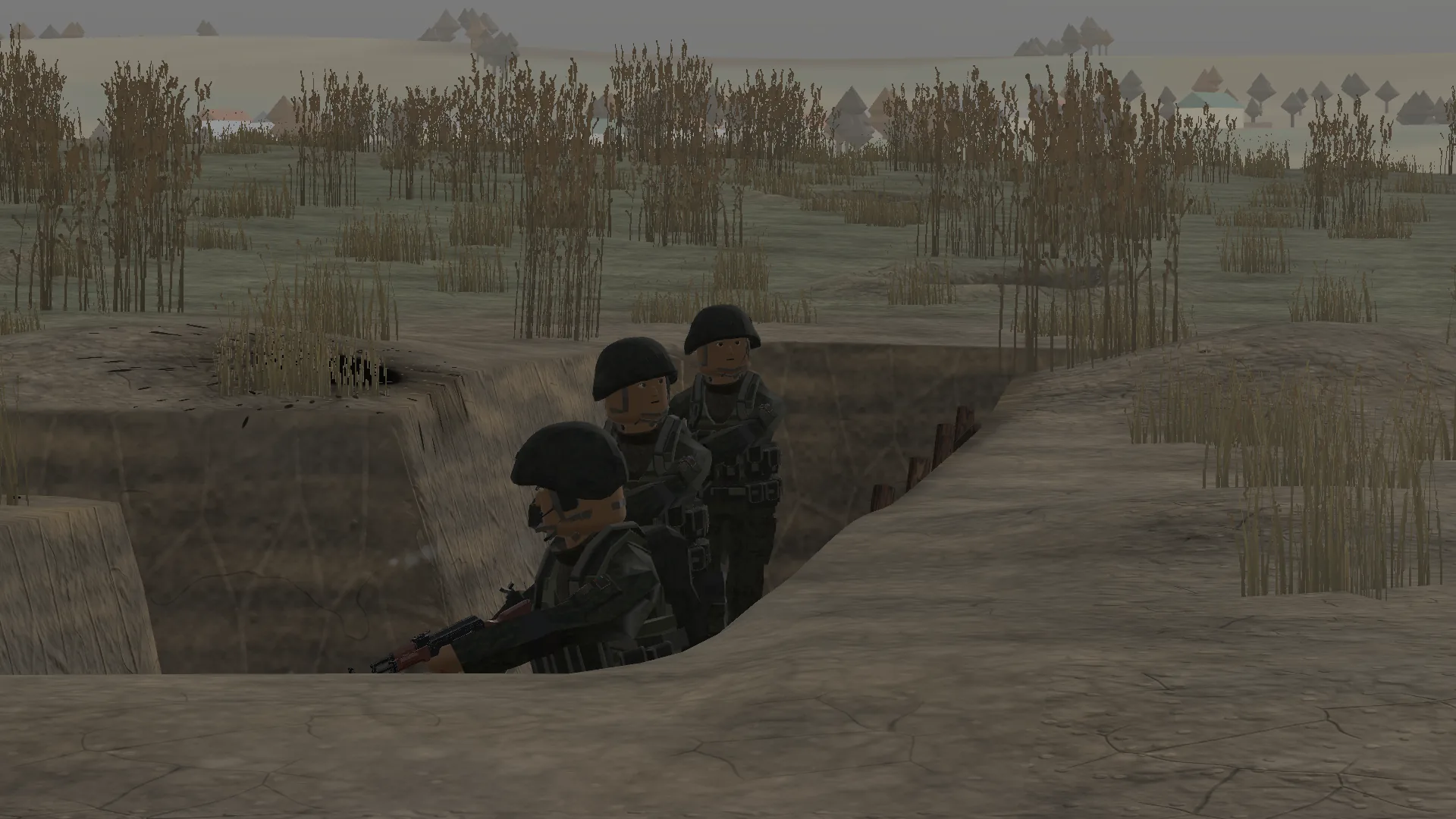
Dummy War (DummyWar) is an experimental military sandbox from solo developer GuFugu. You place two opposing teams on a battlefield, watch AI soldiers fight with active ragdoll physics, or take direct control of any fighter on the field.
Battles run on custom maps with trenches, craters and villages, backed by vehicles, FPV drones, a commander layer and a medical system. The project ships as a free alpha on itch.io, so every build adds or reshapes systems - which is exactly what this wiki tracks.
Explore All GuidesDeveloper
GuFugu
Platform
Windows PC
Genre
Military Sandbox
Version
0.0.5 Hotfix1
Player Rating
4.9/5
Opposing Teams
2
Dummy War Homepage Modules
Jump straight to the eight homepage sections and scroll to the module you need.
Dummy War Download
Get the current DummyWar alpha from the official GuFugu itch.io listing, check which build the page ships, and launch your first battle.
Dummy War Beginner Guide
Learn the sandbox in the right order: set up a small battle, watch the AI, then take control yourself before adding vehicles and drones.
Dummy War Updates
Track which build the alpha is on, what each update added, and where the official devlog posts the next patch.
Dummy War Mods
Where the alpha keeps its files and how custom maps and flags get added, with a checklist that keeps a modified build stable.
Dummy War Weapons
Weapon handling in the alpha: fire modes, the separate reload and load inputs, burst control and the stance keys that keep you behind cover.
Dummy War Vehicles and Drones
Vehicle seats, FPV drone runs and the commander layer that turned Dead Ground into the biggest battlefield in the sandbox.
Dummy War Maps
Map layout, objective flow and team tactics, starting with the trenches, craters and village that define Dead Ground.
Dummy War AI and Combat Guide
How AI soldiers pick cover and react to fire, why every hit triggers ragdoll physics, and how direct control changes the fight.
Frequently Asked Questions
Quick answers to the most common questions about Dummy War.
Ready to Build Your Own Battlefield?
From your first soldier spawn to full FPV drone runs, our community wiki has you covered with free, up-to-date Dummy War guides.